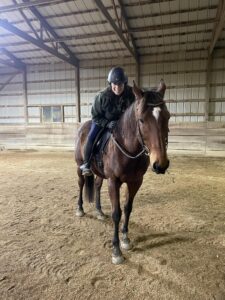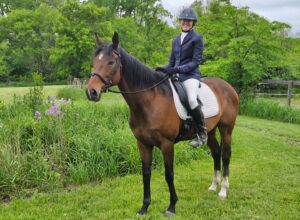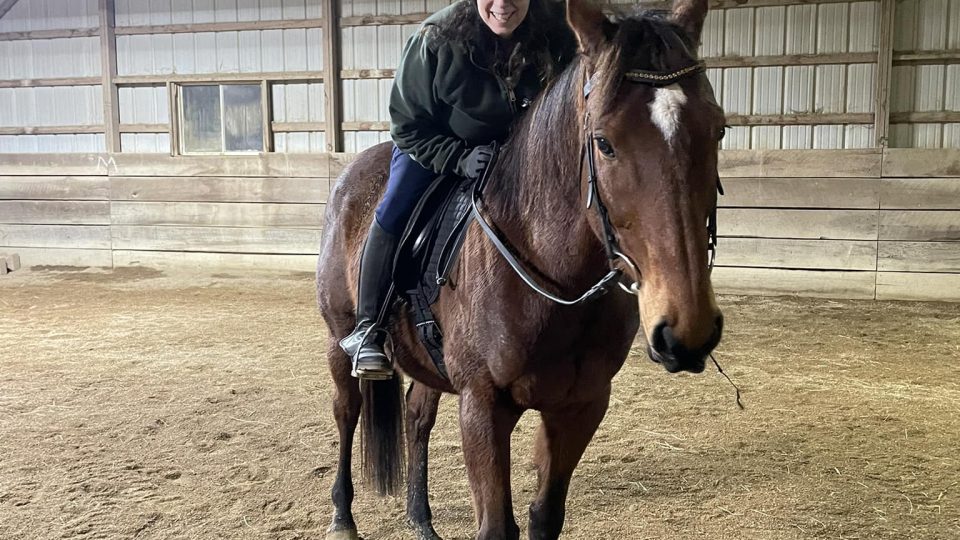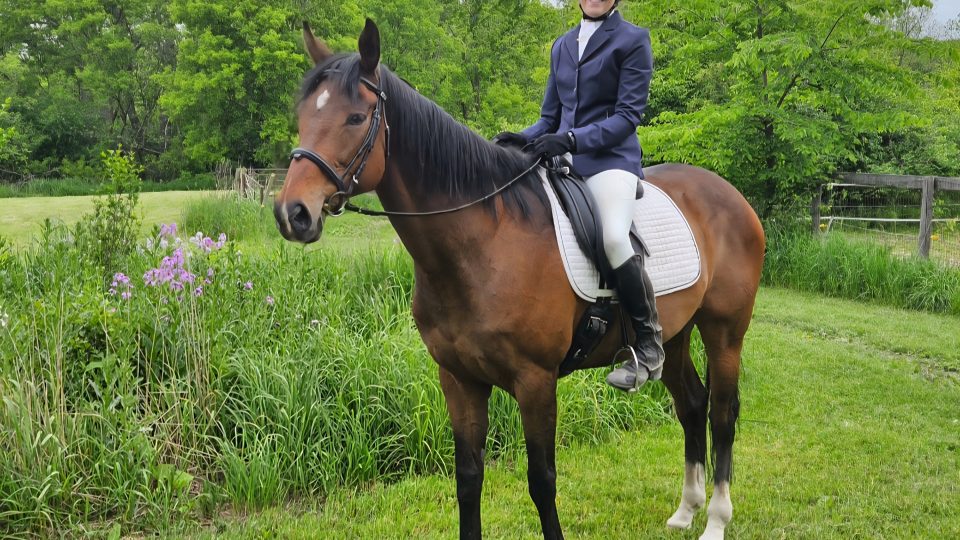












Videoing your ride is one of the best ways that you can maximize your time in the saddle and make more progress in your riding. But we all know how difficult it can be to find someone to video for you. PIVO devices are a simple and easy way that you can get video of your ride – without help! A PIVO is an essential tool for all riders. Video is so valuable because then you can see what you are doing wrong, and make a plan to improve your next ride. In this video, I will show you the best way to set up your PIVO and video your ride.
At home:
Before you take your PIVO out to the barn, download your PIVO app on your phone, and make sure that your PIVO pod is fully charged.
At the barn:
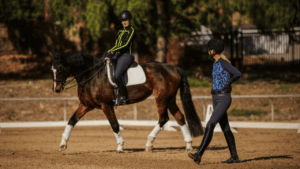
I like to set my PIVO in the middle of the arena so that I’m as close to the camera during my ride as possible, but you can also set it up at the end of your arena or in a corner. Different angles will give you different perspectives on your ride.
To set up your PIVO:
- Set up your tripod to the desired height
- Screw your PIVO pod to the top of the tripod
- Open the PIVO app on your phone, and press and hold the round circle button on your PIVO pod to pair to your phone
- Once your phone says it’s connected to the PIVO, select “horse” from the objects to track
- Secure your phone into the PIVO pod, hit “record”, and walk in front of your camera on the PIVO until it starts tracking your horse
Once your PIVO is tracking, you can use the plus button on the remote to start and stop the recording. Your phone will flash three times when you start the recording and flash once when you stop recording. I like to have my remote with me while I ride, that way I can start and stop the recording easily. For example, I like to stop the recording during my walk breaks so I don’t have a ton of extra footage.
You’re all set! Now that you know how to run your PIVO, it’s time to head to the barn and get recording! I know that you will really appreciate having this valuable tool at the barn. It’s so convenient, and a great way to boost your riding progress. Now you can film anytime and replay the video and analyze your riding when you get home!
P.S. Don’t have a PIVO of your own yet? Order your PIVO here, and use code AMELIA for a 10% discount!